Structural object templates
Within a single project, users often model many structural objects of the same type, for example beams, with different properties.
Defining object parameters, such as analytical model, section, material, stiffness modifiers, end connections and eccentricities, is a careful and time-consuming task if repeated manually for every variation.
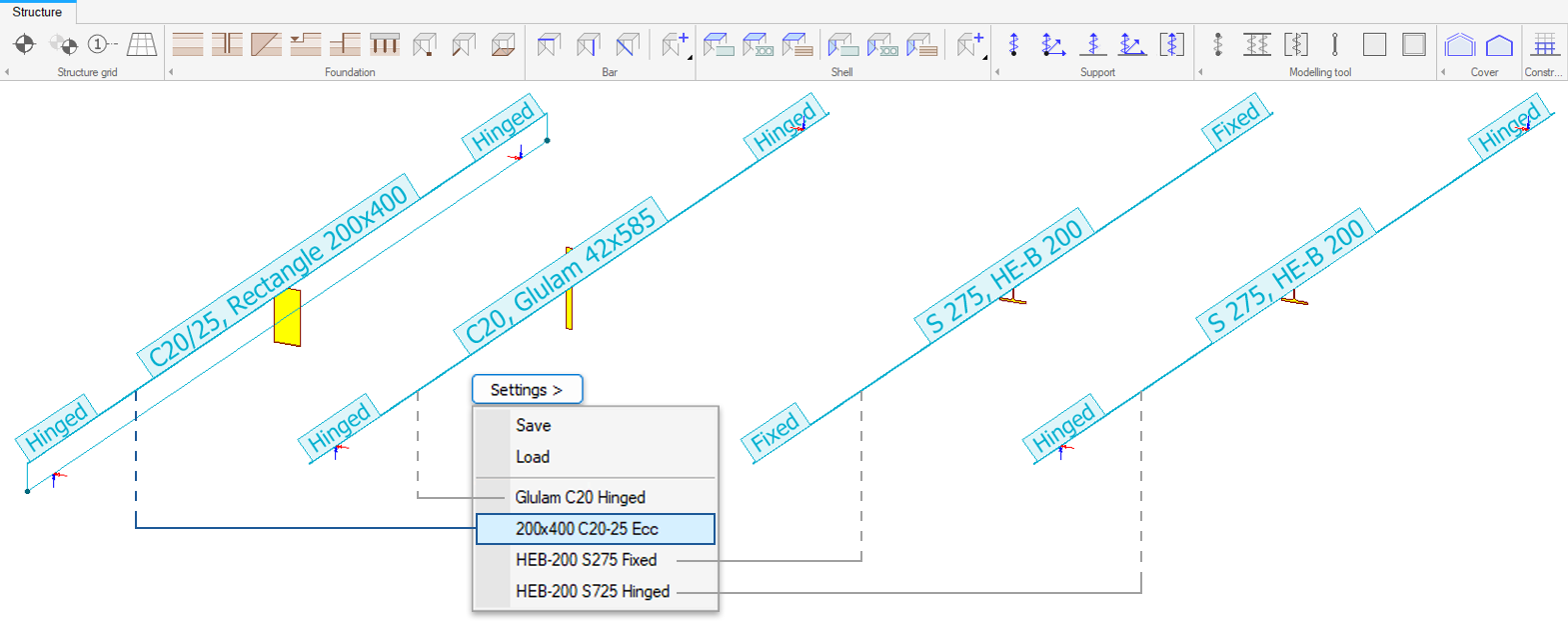
FEM-Design 25 introduces object templates, allowing users to save the current properties of structural objects, available under the Structure tab menu, as reusable templates directly from the objects’ dedicated commands.
This makes it possible to store frequently used object configurations under different names and apply them consistently across the model.
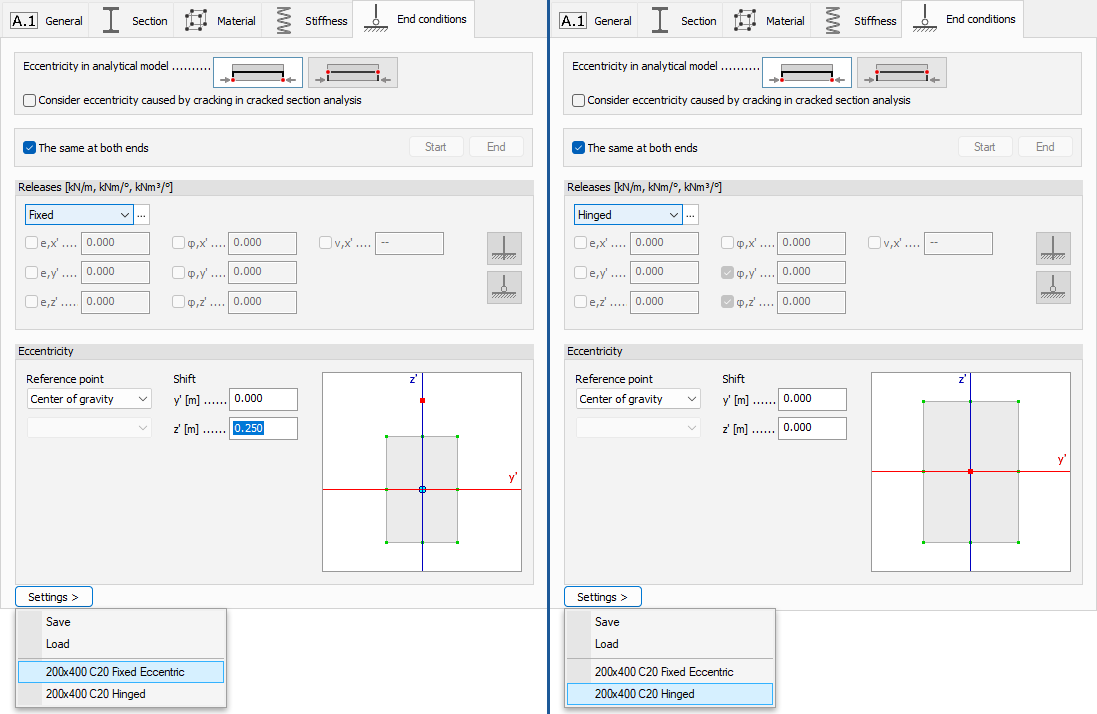
Templates can be saved from the new Settings button available in each structural object dialog. A template stores all settings of the dialog. The example below shows two beam templates that differ only in their End release and Eccentricity settings.
Template files are stored in the user’s FEM-Design template folder:
“Drive”\Users\”User name”\Documents\StruSoft\FEM-Design 25\templates
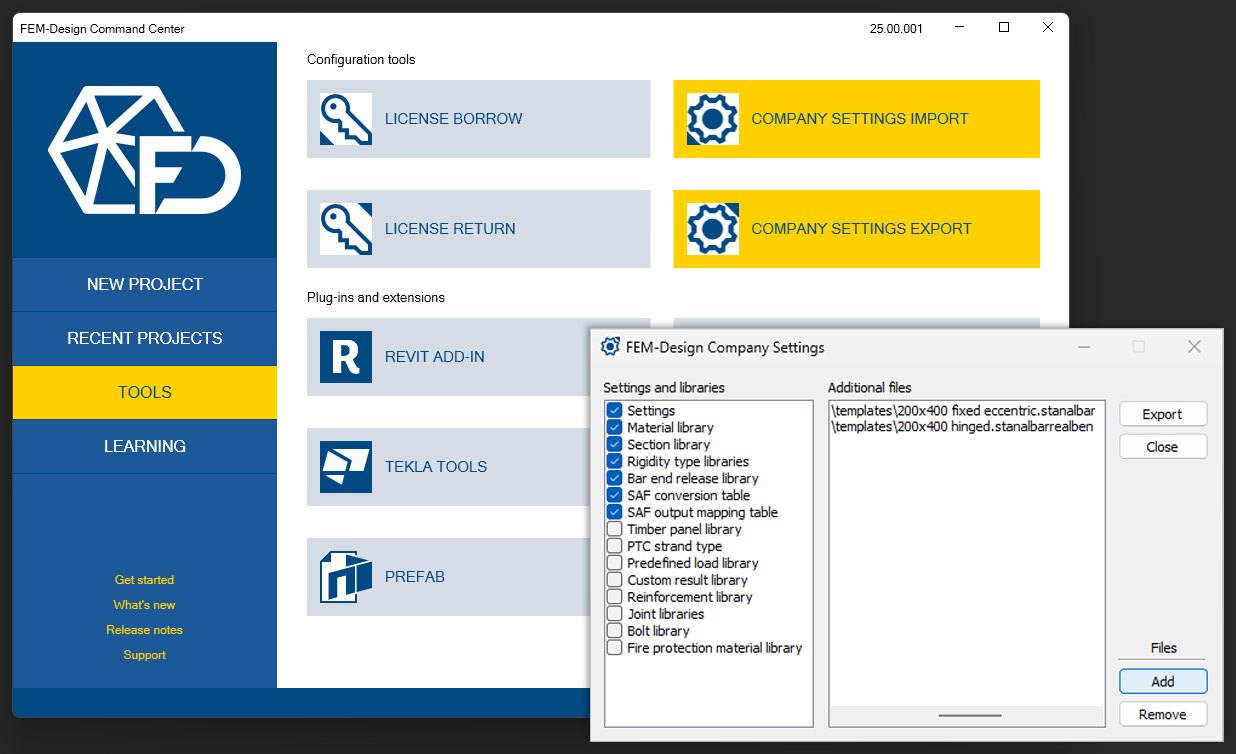
Thanks to the Company Settings functionality, these templates can be easily shared with colleagues and design team members, supporting a consistent modelling environment across projects.