PREFAB 23.0.5
PREFAB 23.0.5
PREFAB 23.0.5 includes minor bug fixes and the following improvements.
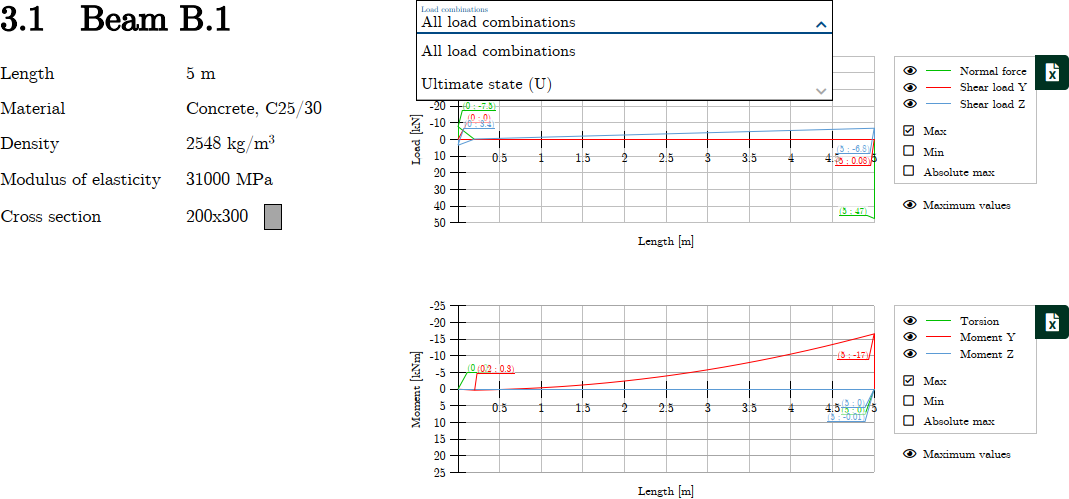
Section force curves for beams and columns
Beams, columns and section force curves are now displayed on one page in a consolidated overview, showing maximum values by default.
You can select different load combinations from the dropdown menu.
Point connections in StruXML export
Point connection results are now included in the StruXML export. This enhancement allows for the export of results from a wider range of models in FEM-Design, simplifying the process of transferring data back to FEM-Design without extensive manual effort.
Corbel example
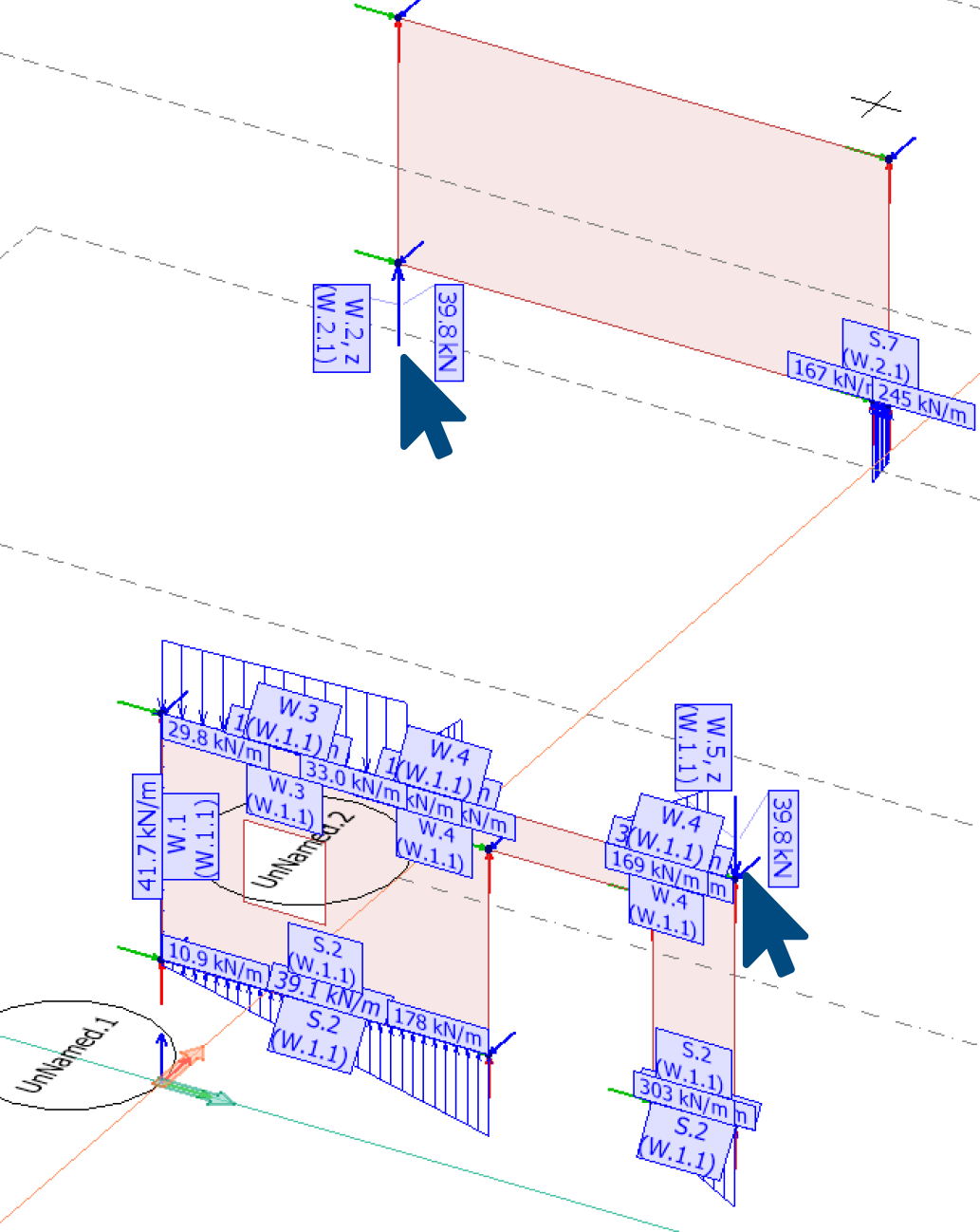
Here is an example of a wall (W.2) with a corbel that supports another wall (W.5) spanning over a large opening. The connection at the corner point of the point connection is free, with the wall containing the corbel serving as the master for the point connection.
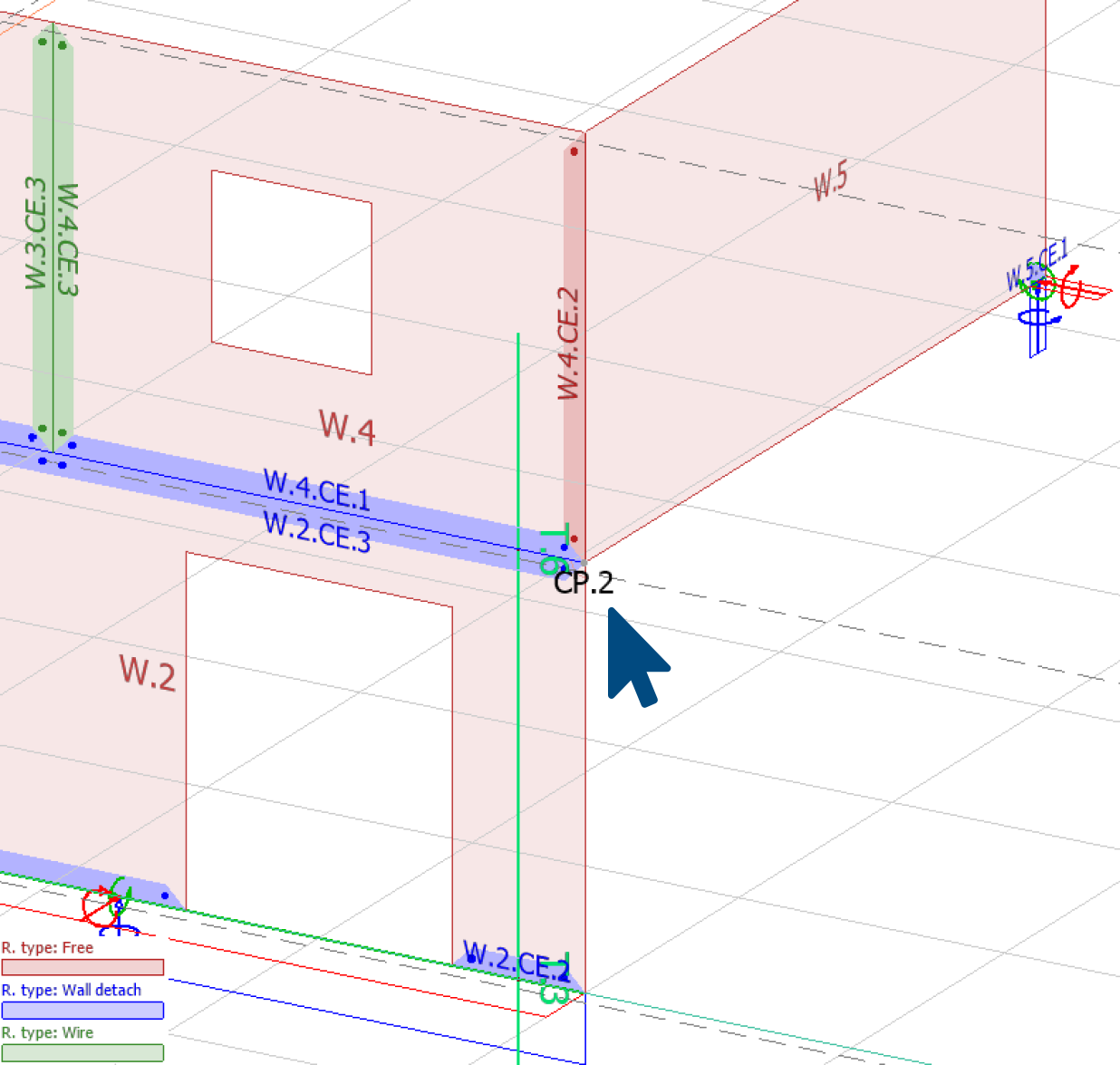
Select walls from the 3D viewer based on your preferences.
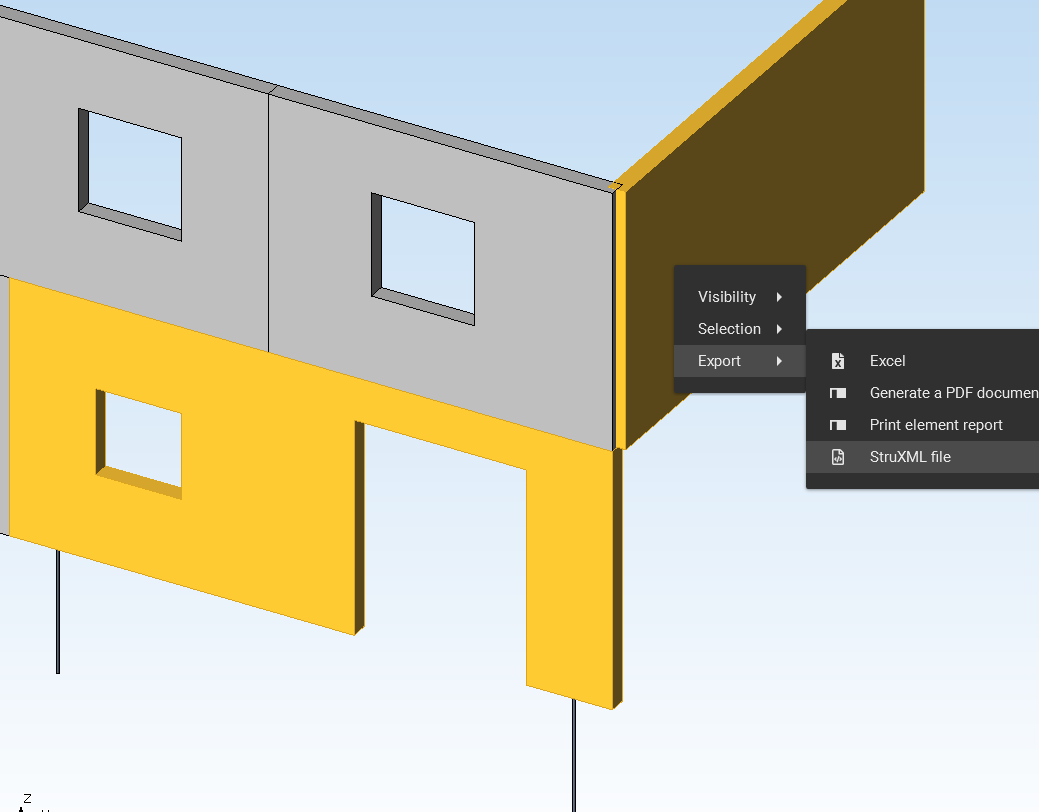
The selected walls are then exported back to FEM-Design.
Bar example
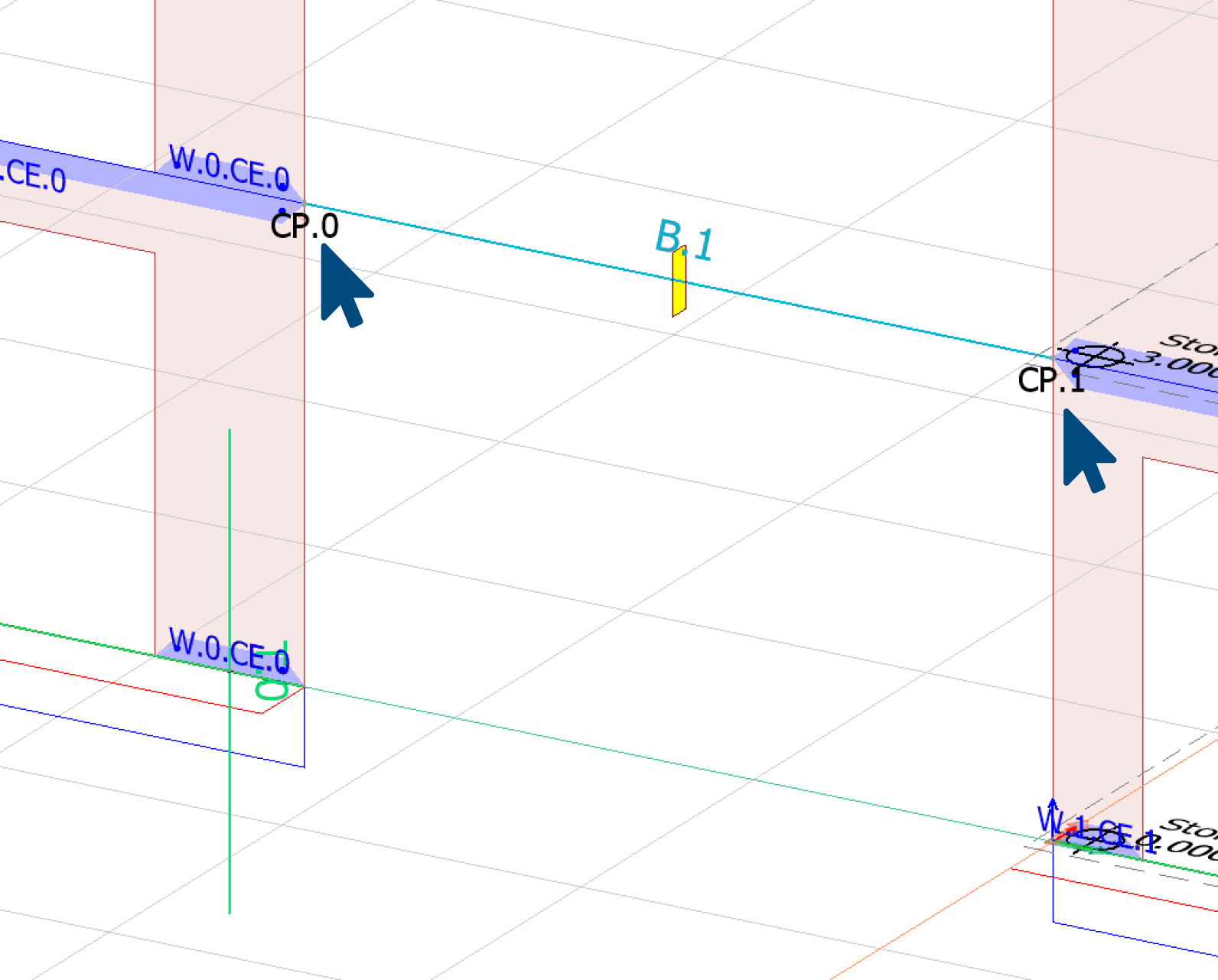
This also works with beams, columns and fictitious bar results on walls when exporting.
Dimension lines
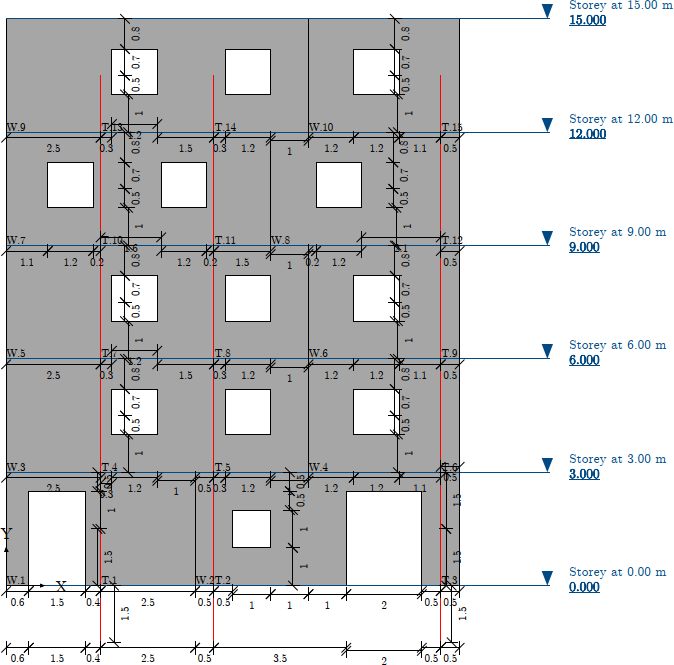
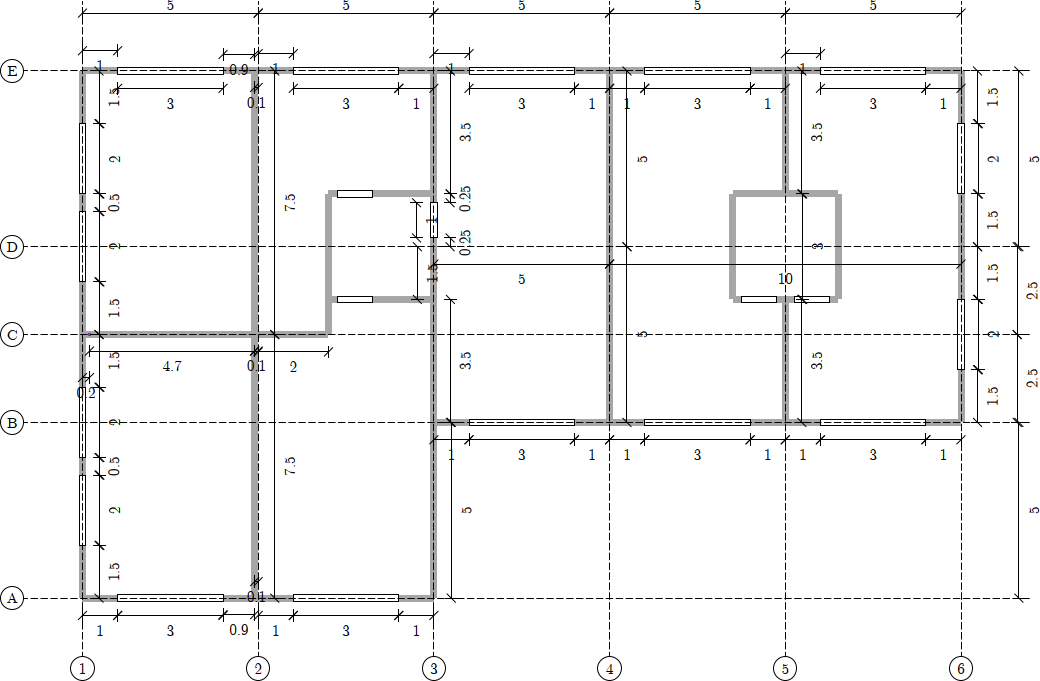
Dimensioning on drawings has been made usable for larger models as well. It is no longer just a horizontal and vertical dimensioning, with potentially too many numbers. Now the starting point is a smaller area where the dimensions are inserted. As a user, you have some influence on controlling where they are inserted.
Floor plans
For floor plans, all coordinates located on a gridline are shown. Additionally, there will be dimensions between all parallel gridlines.
Elevations
For elevations, each floor is reviewed, and all heights in a larger area are gathered into a single target chain. The horizontal coordinates are displayed at the bottom of the floor, and all coordinates for that particular floor are included.