Required, applied and missing reinforcement
The Required, applied and missing reinforcement design result shows the required, applied and missing reinforcement area for the longitudinal reinforcement of reinforced concrete shells. The three reinforcement states share the same selection options and display behaviour.
Required, applied and missing reinforcement is available for:
- RC shell longitudinal reinforcement
Result selection
To display Required, applied and missing reinforcement results, first select the basis for the result:
- Load combinations – then select the specific load combination
- Load groups – then select the group type and the force or moment component to maximize – the governing combination for that component is generated automatically
In addition, select the reinforcement state and its component:
- reinforcement state, Required, Applied or Missing
- direction, x'/r or y'/t
- component, bottom, top or mid
There are also special standalone components named bottom, top and mid, which show the reinforcement value at each finite element in both the x' and y' directions at the same time, without needing to select a direction.
Result display
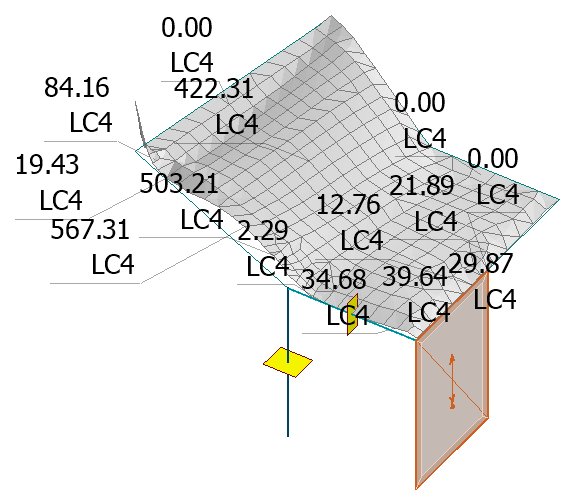
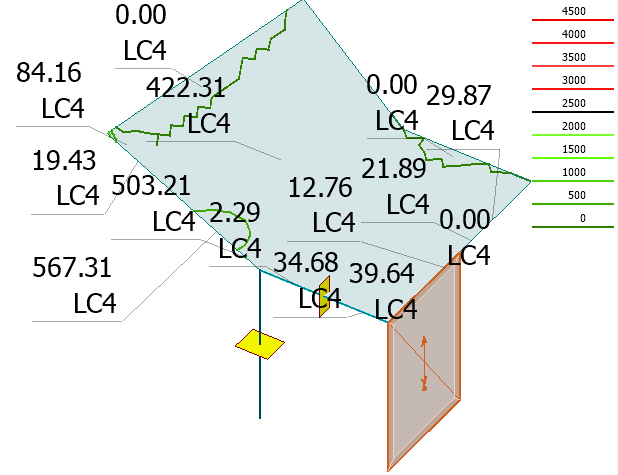
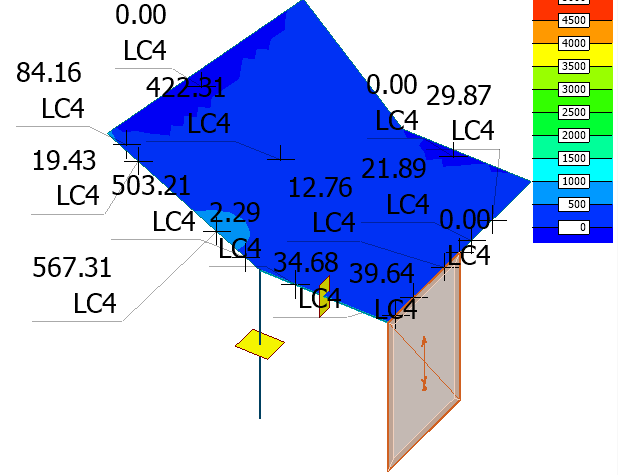
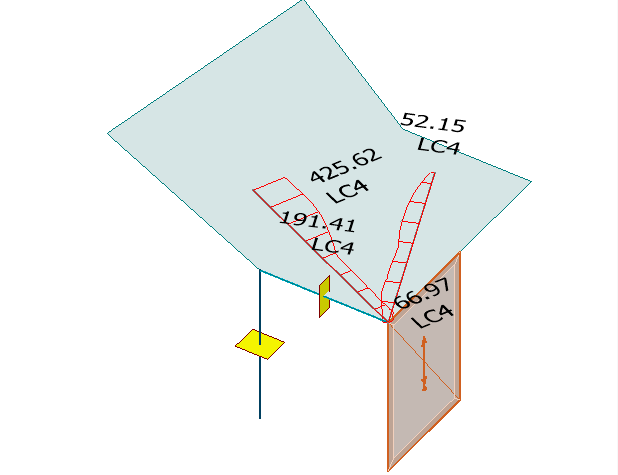
The direction-based selections use 4 display types: Graph, Contour lines, Colour palette and Sections.
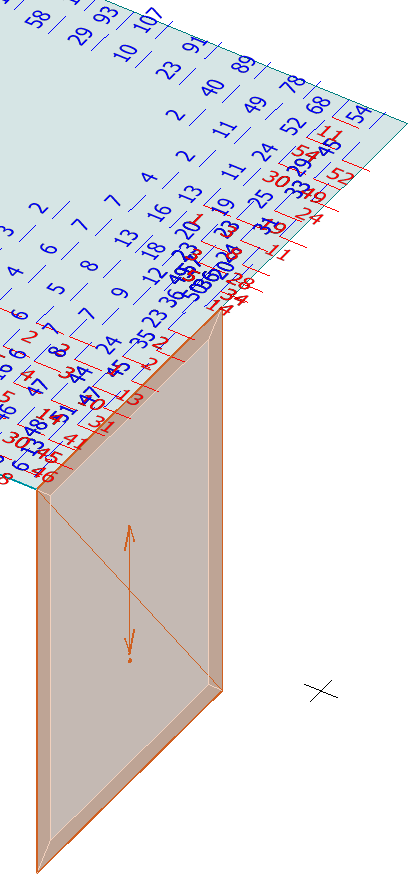
The combined bottom, top and mid selections use a dedicated variant of the Graph display, where the reinforcement area is shown as numbers marked on each finite element in both directions at the same time. This display has its own dialogue for setting up the colours and fonts used for the numbers.
Graph
Required reinforcement displayed as a graph.
Contour lines
Required reinforcement displayed as contour lines.
Colour palette
Required reinforcement displayed as a colour palette.
Sections
Required reinforcement displayed as sections.
Combined bottom, top and mid
Required reinforcement displayed as a graph with the reinforcement area shown as numbers marked on each finite element in both directions at the same time.