Utilization
The Utilization design result shows the utilization ratio from the governing design check, expressed as a value that indicates how much of the available capacity is used.
Utilization is available for:
- Deflection
- Isolated foundation, Wall foundation
- RC bar, RC shell longitudinal reinforcement (including its shell buckling check), RC shell shear reinforcement, RC punching, RC concealed bar
- Steel bar, Steel bar shell model, Steel joint, Steel bar fire design
- Timber bar, Timber panel, CLT panel, Timber bar fire design, CLT panel fire design
- Masonry wall
- Composite column, DELTABEAM
Result selection
To display Utilization results, first select the basis for the result:
- Load combinations – then select the specific load combination
- Load groups – then select the group type and the force or moment component to maximize – the governing combination for that component is generated automatically
Load groups are not available for Isolated foundation, Wall foundation, Steel bar, shell model or Steel joint – these results are based on load combinations only.
A few results also need an additional selection:
- for Deflection, also select the element type, Bar or Shell
- for RC shell, longitudinal reinforcement, also select whether the utilization is for the overall reinforcement design or for the shell buckling check
- for Masonry wall, also select the check type: N+M by stripe, Shear by wall or Maximum by wall
Only the selections relevant to the chosen design result are shown.
Result display
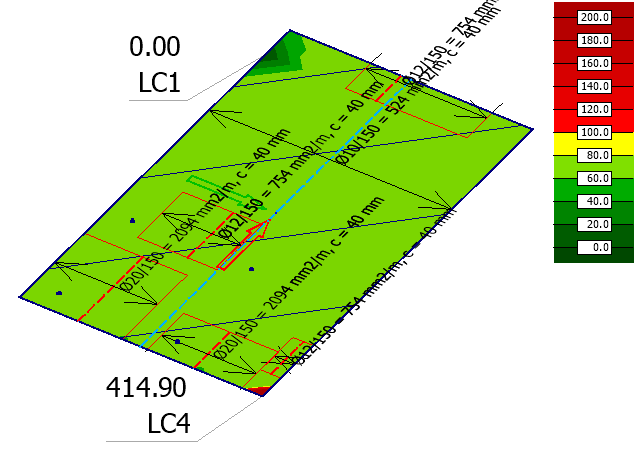
Utilization uses the Colour palette display type.
For point-type results – Isolated foundation, Wall foundation and Steel joint – the Others tab of the Display options dialogue includes an additional Symbol group, with Point size as its only setting.
Utilization as Colour palette for Bar elements

Utilization as Colour palette for Shell elements
Utilization as Colour palette for point-type elements
