Export locked file
To export a file as locked:
-
Go to the Export tab
-
Click Save under Locked format
Manually open the locked file to test everything is as it should be. The file can now be sent to anyone who has PREFAB or PREFAB Viewer.
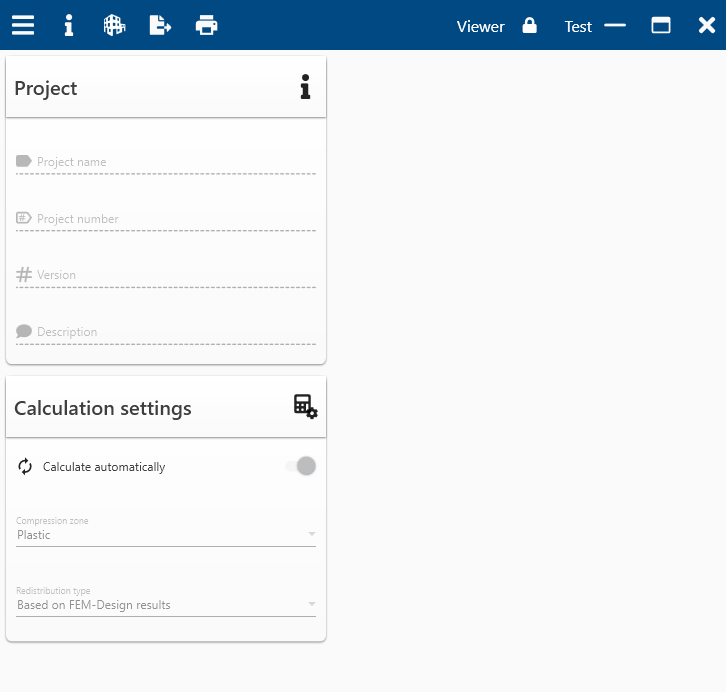
The locked part of the file is the Project informations tab. This means that no one can change the load distribution or project information.
When a locked file is loaded into PREFAB, the Project informations tab is deactivated and there will be a lock icon on the top right next to Viewer.
The receiver keeps all export options – PDF, Excel & StruXML – and the full viewer experience, with overview, filtering and search for specific component IDs.