Rectangle
Use the Rectangle tool to add rectangles to the model space. The rectangles consist of four line elements. The rectangle elements act as snapping points for other tools and they can be used as reference for tools which require edges or lines (like beam). They are not structural.

When you select the Rectangle tool from the menu, a new tool palette opens.
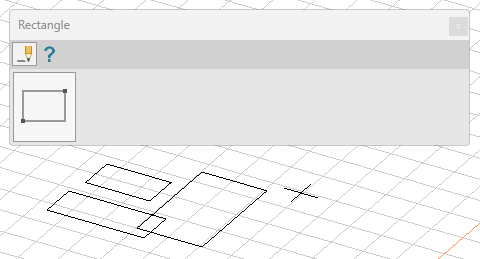
Main tools on the tool palette
| Description | |
|---|---|
 | Use Define tool to add a new rectangle to the model. |
 | Use Properties tool to check properties of existing rectangles. This will open the Default settings dialogue for the selected rectangle(s). |
 | Use Default settings tool to change some settings (read below in more detail). |
Default settings
The Default settings tool opens a new dialogue window.

- Layer – change the layer of the lines
- Style – change the line style
- Pen – change the pen width (line thickness)
- Color – change the colour of the lines
tip
Instead of changing the whole rectangle at once, use the Line tool to change only selected lines.